eduroam
eduroam is a federated identity service for WiFi networks at universities, colleges, and research institutions. Many schools around the world offer eduroam, meaning that a student from Thailand can pay a visit to a university in the US and have free internet without getting new credentials.
Configuring eduroam on Ultramarine
We recommend using eduroam’s CAT tool, as it simplifies setup and automatically connects you to hotspots outside of your home institution.
Go to the eduroam CAT website and press the large download button, you’ll be presented with a list of suggested institutions and a search bar, find your institution and select it.
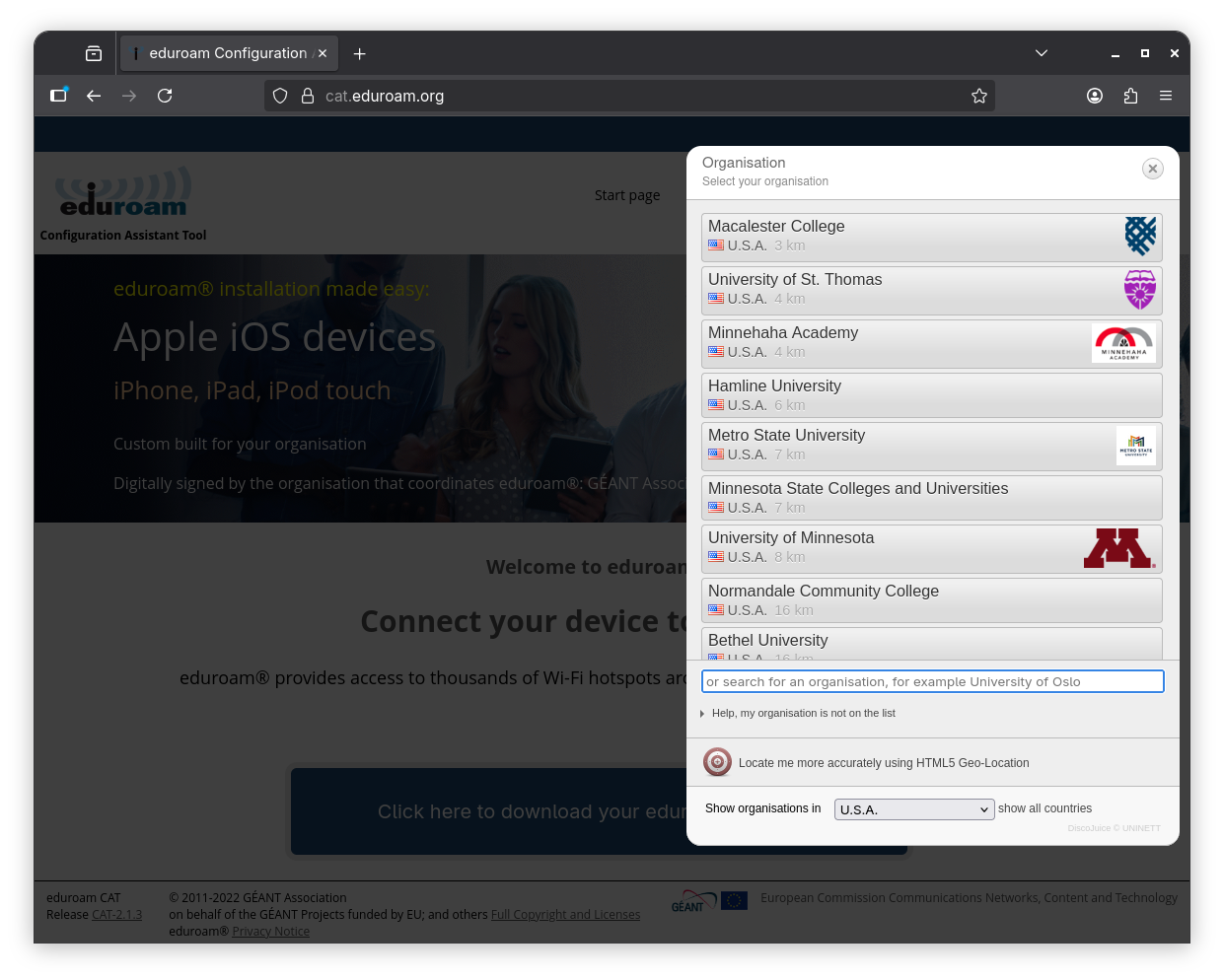 If your institution is a part of a larger system, it may not be listed on it’s own. Like in this example, Minnesota State is comprised of many institutions, and acts as one for eduroam.
Now you can press the eduroam button to download your installer.
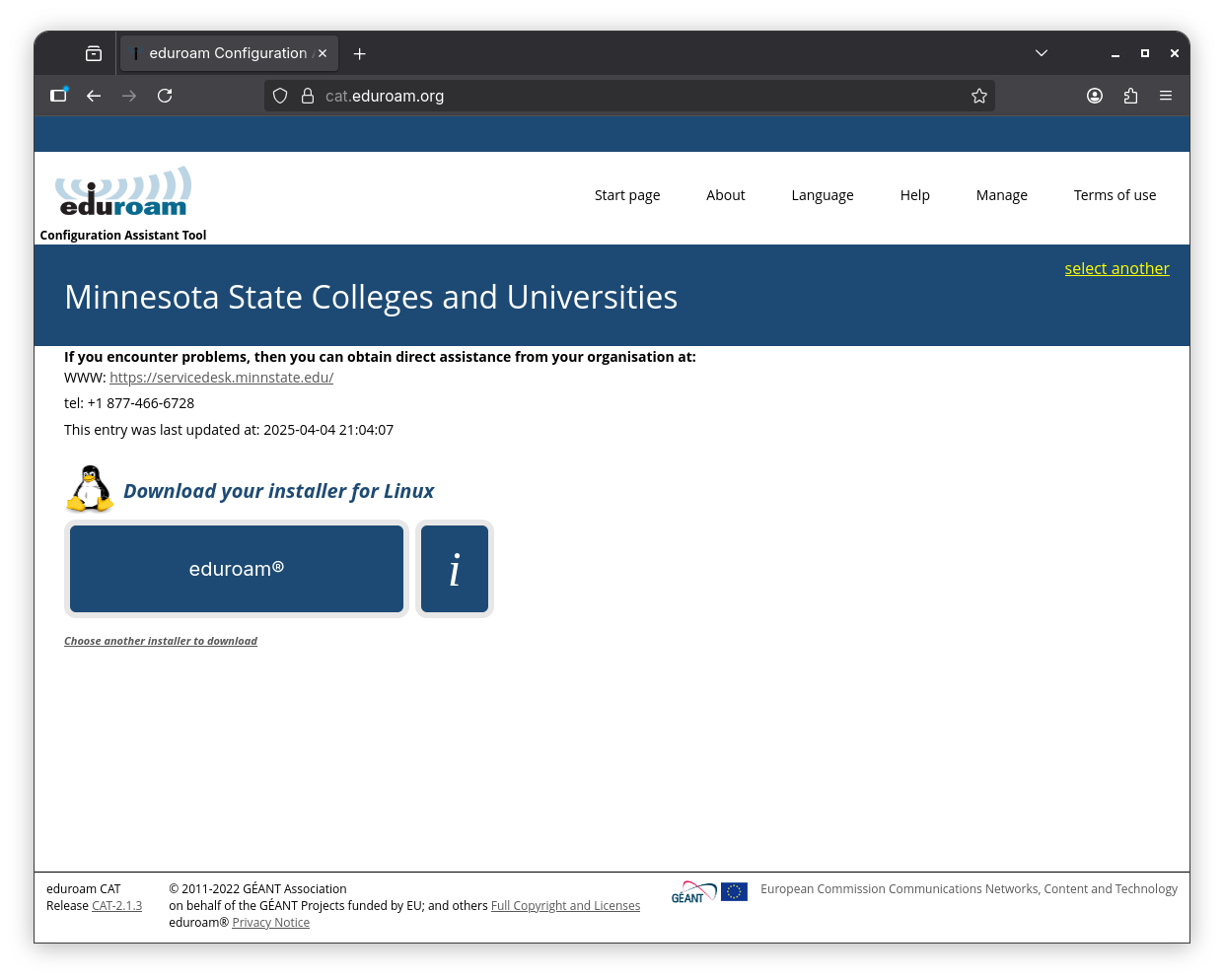
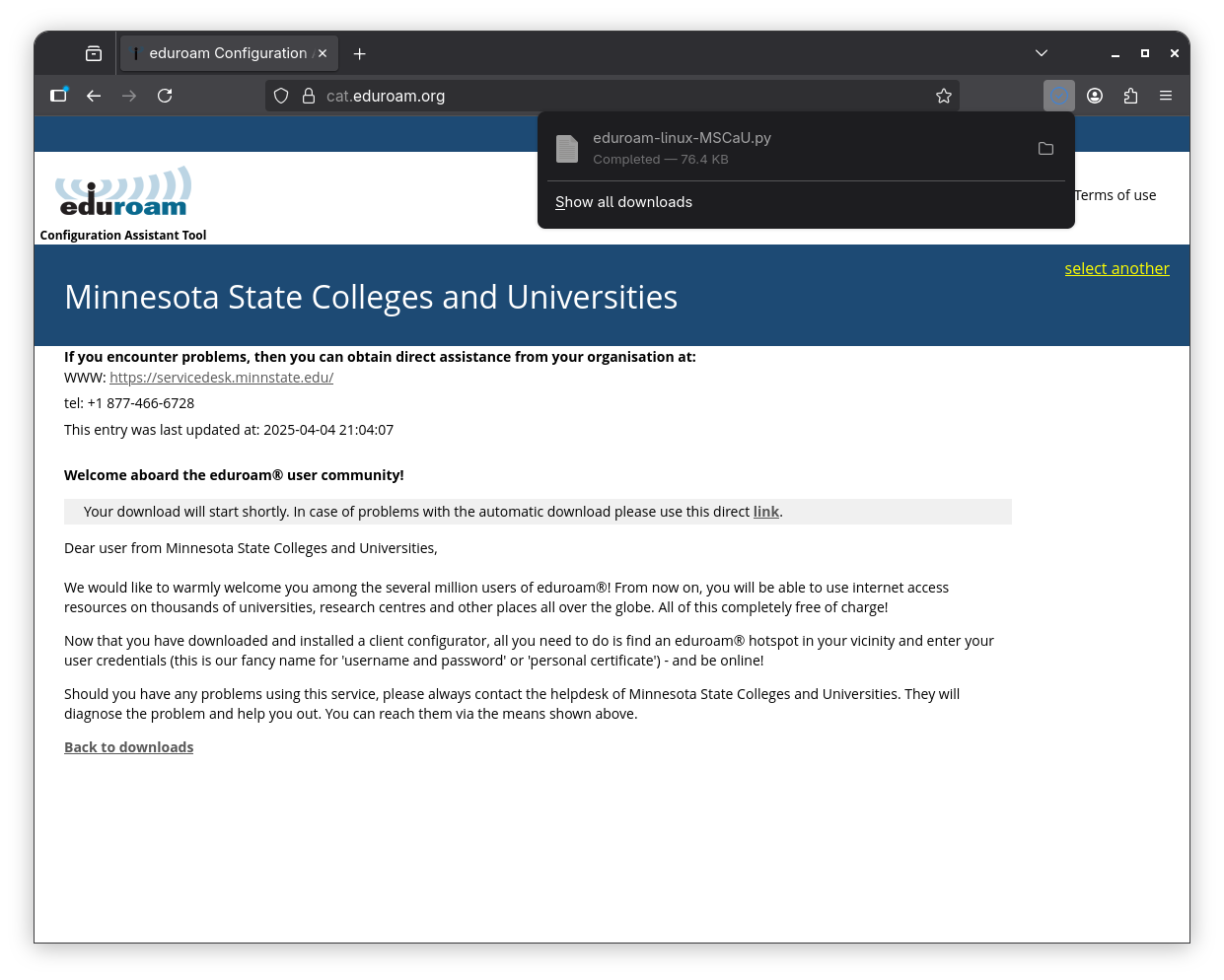
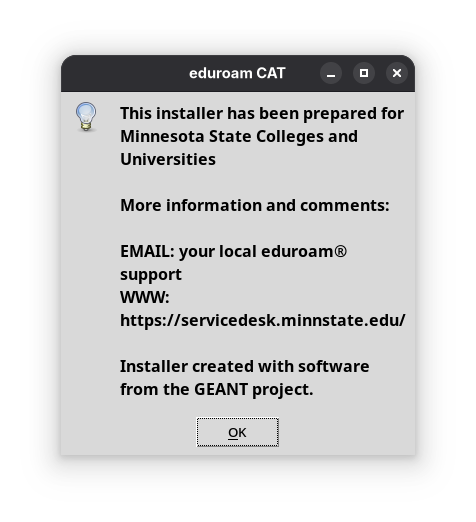
Your download should start automatically, and you’ll be presented with helpdesk information just in case.
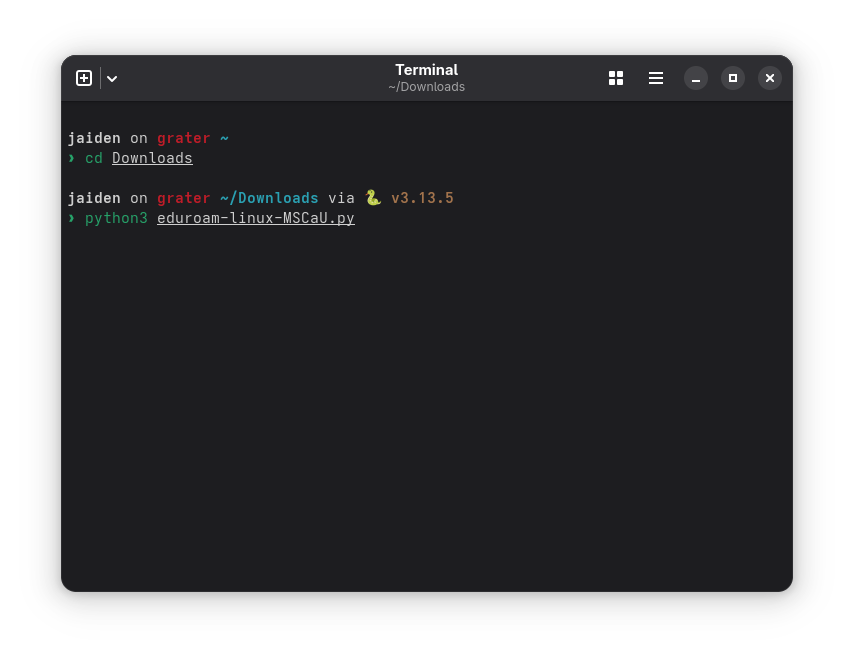
Now that CAT is downloaded, open a terminal and run the downloaded file with python3 eduroam-linux-xxxxx.py.
The installer may look different depending on what edition you’re on, but all of them look the same. It may present you with policy and other information, if it goes off the screen, you can use Vim bindings or the tab key to highlight a button, and enter to select it.
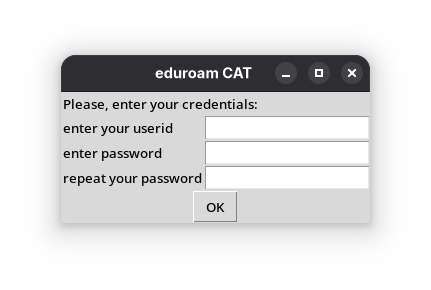
Final step! Enter your credentials (usually your institution-issued email address).
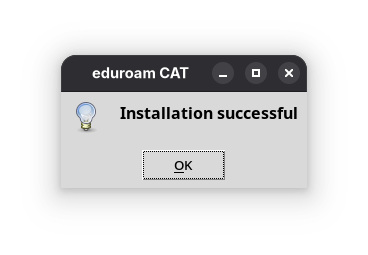
You’re done! Just visit any eduroam hotspot and you’ll be automatically connected.
If you need further support, we recommend contacting your institution’s helpdesk, or hopping into one of our chats.